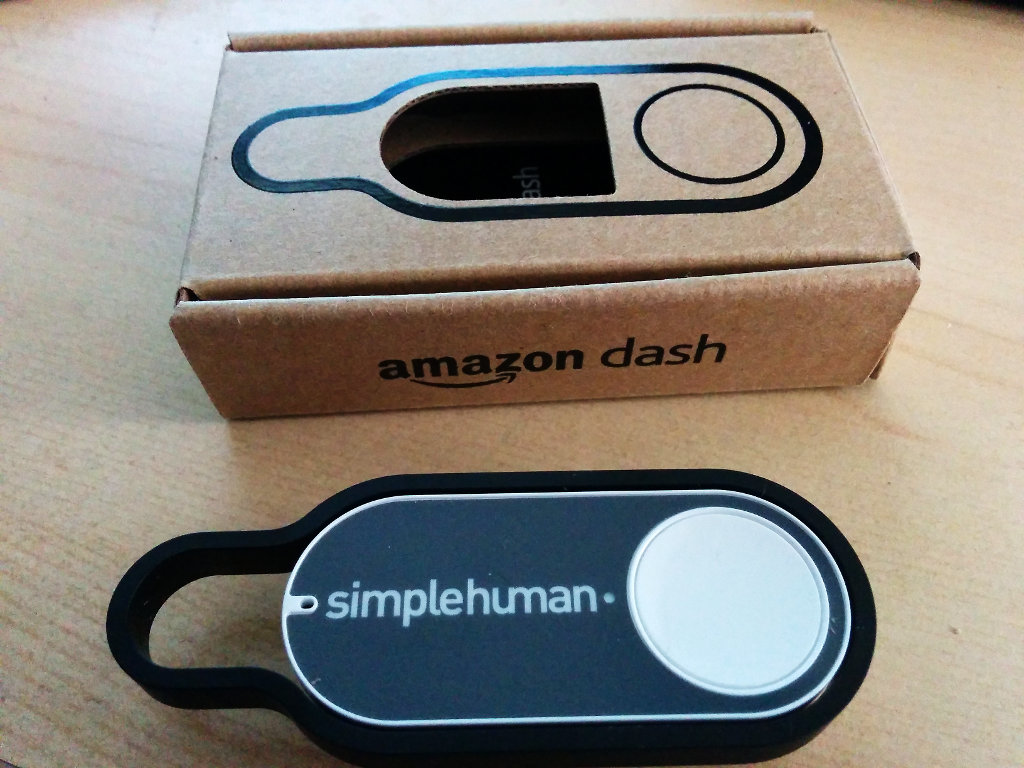
Amazon launched its Dash buttons — small WiFi buttons that order something with a single click through Amazon Prime. What's great: you can hack them.
Amazon a lancé ses boutons Dash — de petits boutons WiFi qui commandent un produit en un clic via Amazon Prime. Ce qui est bien : on peut les hacker.
Setup (without ordering anything)
Mise en place (sans rien commander)
Follow the setup instructions, but don't select a product at the end. Just exit the app. This sets up the WiFi but leaves the button unable to order.
Suivre les instructions de configuration, mais ne pas sélectionner de produit à la fin. Quitter simplement l'app. Cela configure le WiFi mais laisse le bouton incapable de commander.
Finding the button's IP
Trouver l'IP du bouton
MkI buttons did an ARP request on activation. MkII now makes a BOOTP request to get an IP. Go to your router and grab that IP. Personally, I reserve a block for these buttons and cut off their internet access.
Les boutons MkI faisaient une requête ARP à l'activation. Les MkII font maintenant une requête BOOTP pour obtenir une IP. Aller sur le routeur et récupérer cette IP. Personnellement, je réserve un bloc d'IP pour ces boutons et leur coupe l'accès internet.
Detecting a button press
Détecter un appui
Two options: intercept the BOOTP packet (by MAC address) or just ping the button. BOOTP interception is elegant but unreliable on mixed WiFi/CPL networks. For me, ping is the best option.
Deux options : intercepter le paquet BOOTP (via l'adresse MAC) ou simplement pinger le bouton. L'interception BOOTP est élégante mais peu fiable sur un réseau mixte WiFi/CPL. Pour moi, le ping est la meilleure option.
Concept: ping Dash buttons until one answers, trigger an action, then disable that button for 10 seconds to avoid duplicates.
Concept : pinger les boutons Dash jusqu'à ce que l'un réponde, déclencher une action, puis désactiver ce bouton pendant 10 secondes pour éviter les doublons.
<?php
// config.inc déclare les boutons et leurs actions
$buttons = Array(
  '192.168.0.225' => 'http://radpi.local/wemoswitch.php',
  '192.168.0.226' => 'http://radpi.local/wemoswitch.php',
);
$delay = 10; // secondes entre déclenchements autorisés

$lastaction = Array();

function ping($host, $timeout = 1) {
  $package = "\x08\x00\x7d\x4b\x00\x00\x00\x00PingHost";
  $socket  = socket_create(AF_INET, SOCK_RAW, 1);
  socket_set_option($socket, SOL_SOCKET, SO_RCVTIMEO, ['sec'=>$timeout,'usec'=>0]);
  socket_connect($socket, $host, null);
  $ts = microtime(true);
  socket_send($socket, $package, strlen($package), 0);
  $result = socket_read($socket, 255) ? microtime(true) - $ts : false;
  socket_close($socket);
  return $result;
}

while (true) {
  foreach ($buttons as $ip => $action) {
    $time = ping($ip);
    if ($time > 0 && ($lastaction[$ip] + $delay) < time()) {
      $lastaction[$ip] = time();
      file_get_contents($action); // déclencher l'action
    }
  }
  sleep(2);
}
?>