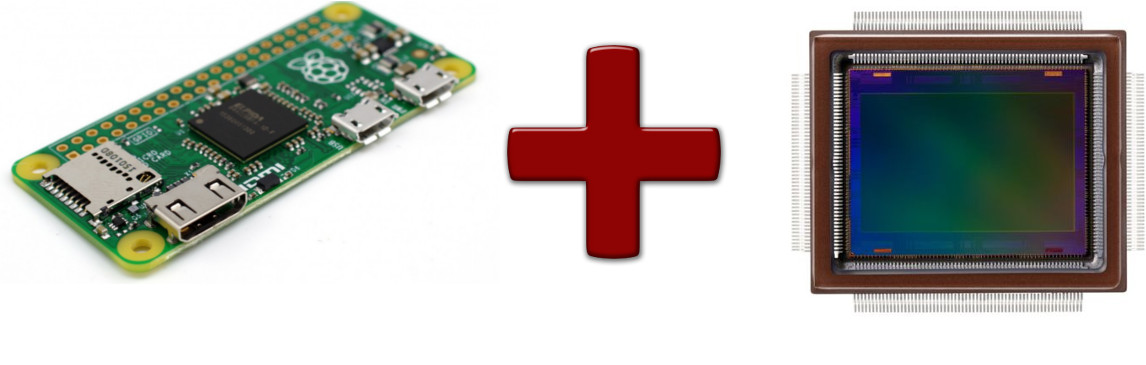
After getting the 8MP Raspberry Camera v2.1 (non-IR), I had to start the LogPi design from scratch: different cables, different sizes, different software.
Après avoir mis la main sur la caméra Raspberry 8 Mpx v2.1 (sans IR), il a fallu recommencer la conception du LogPi depuis le début : câbles différents, dimensions différentes, logiciel différent.
The camera is smaller than the original webcam sensor, and no massive lens is needed — it should integrate better with the housing.
La caméra est plus petite que le capteur de webcam d'origine, et pas besoin d'un objectif encombrant — elle devrait mieux s'intégrer dans le boîtier.
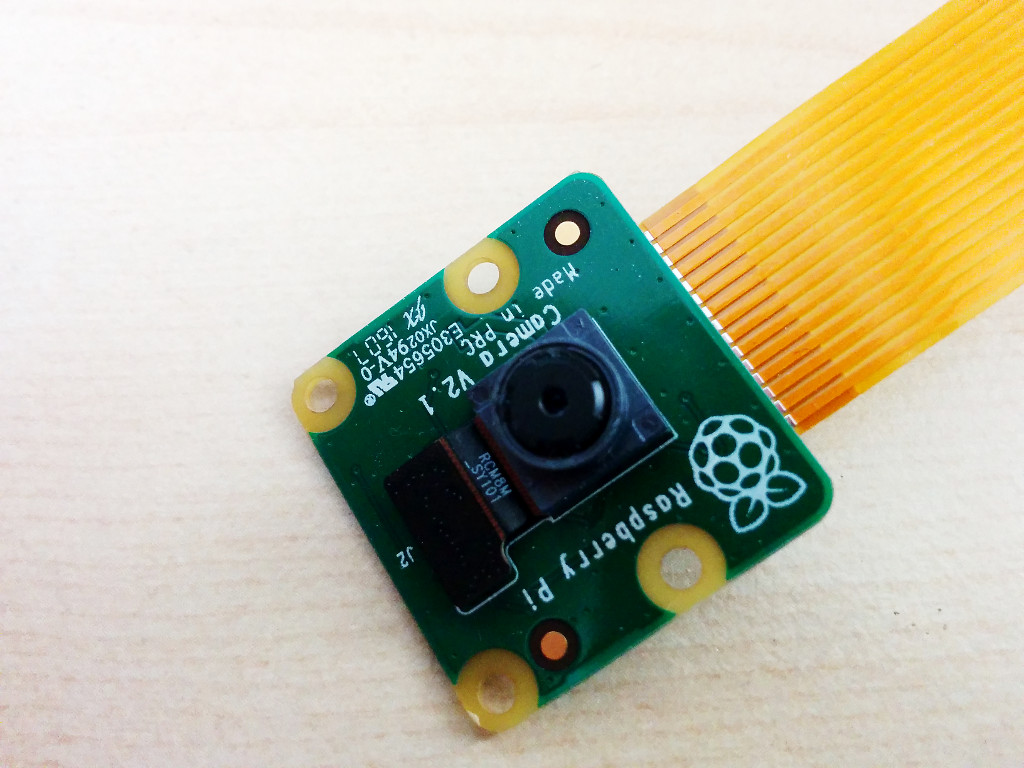
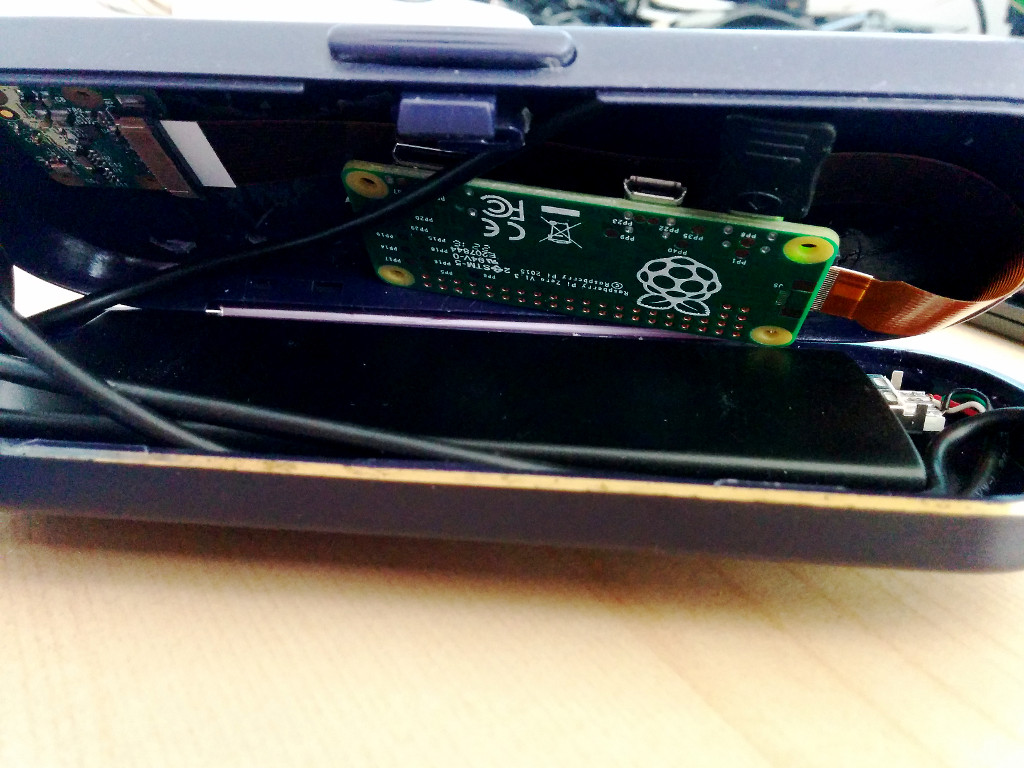
One issue: the camera connects via a flat cable to the Pi Zero's camera port. That cable is short and uses a narrower variant of the connector. So the Pi Zero and camera must be housed together in the wearable part.
Un problème : la caméra se connecte via un câble plat au port caméra du Pi Zero. Ce câble est court et utilise un connecteur plus étroit. Donc le Pi Zero et la caméra doivent être logés ensemble dans la partie portable.
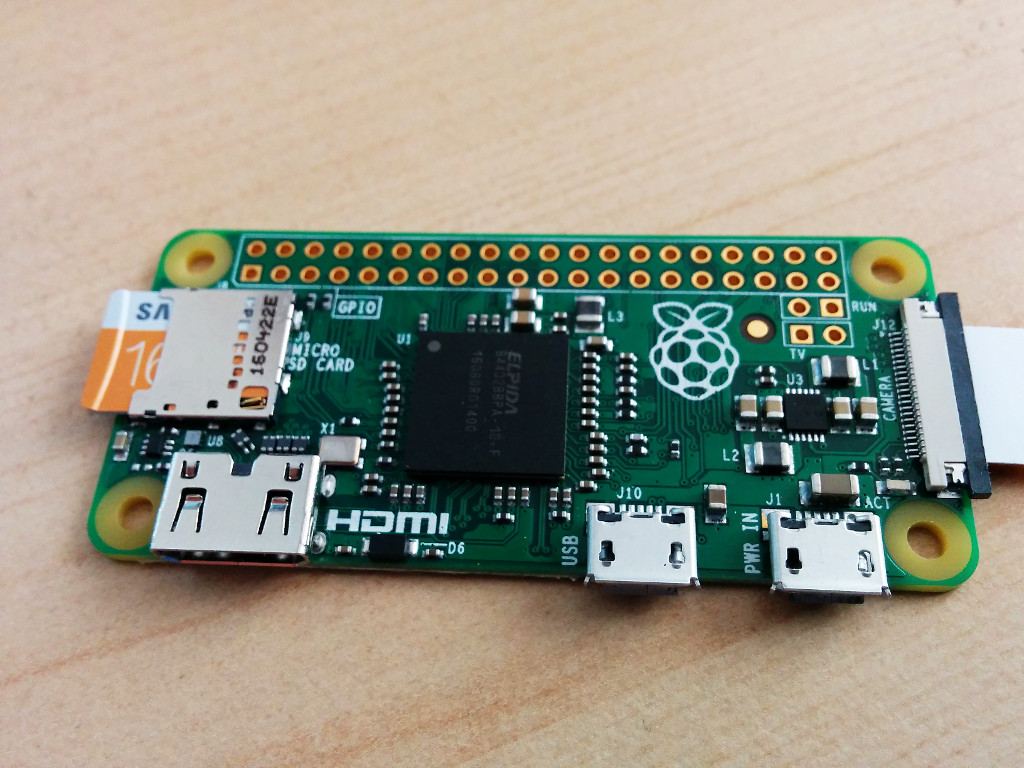
The camera port is on the right.
Le port caméra est à droite.
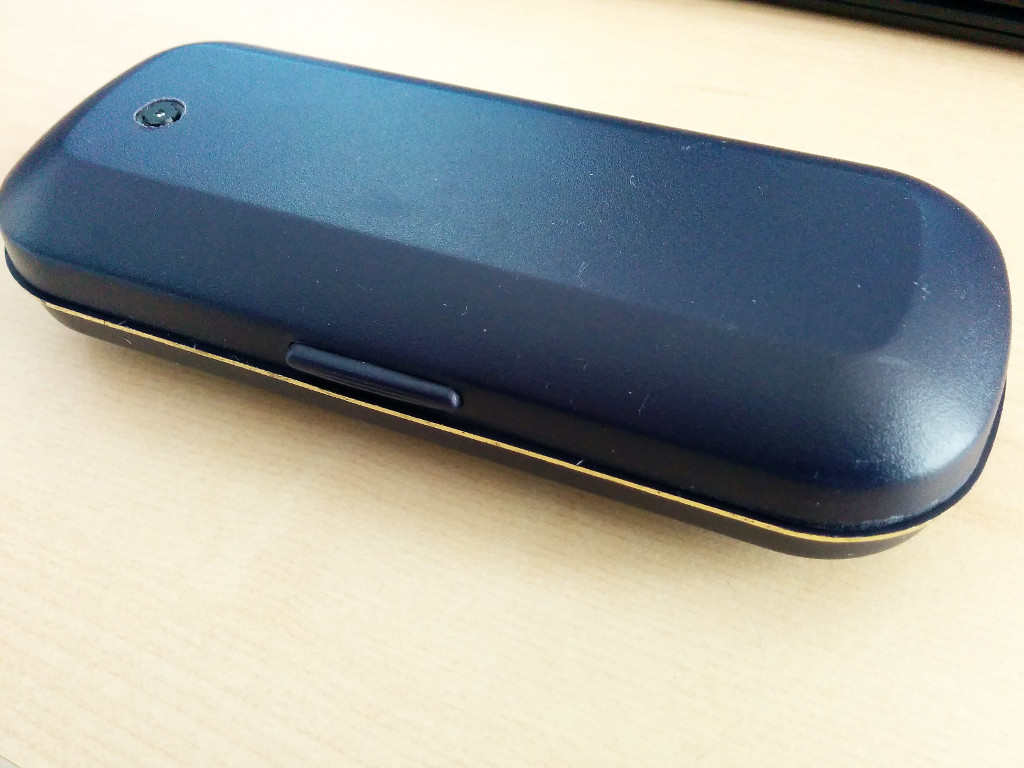
Since I'm housing more in the wearable part, I might as well include the battery. After a long search, I found the solution in my drawers: a glasses case that is nearly exactly the size of the battery.
Puisque je dois loger plus de choses dans la partie portable, autant y inclure la batterie. Après une longue recherche, j'ai trouvé la solution dans mes tiroirs : un étui à lunettes presque exactement à la taille de la batterie.
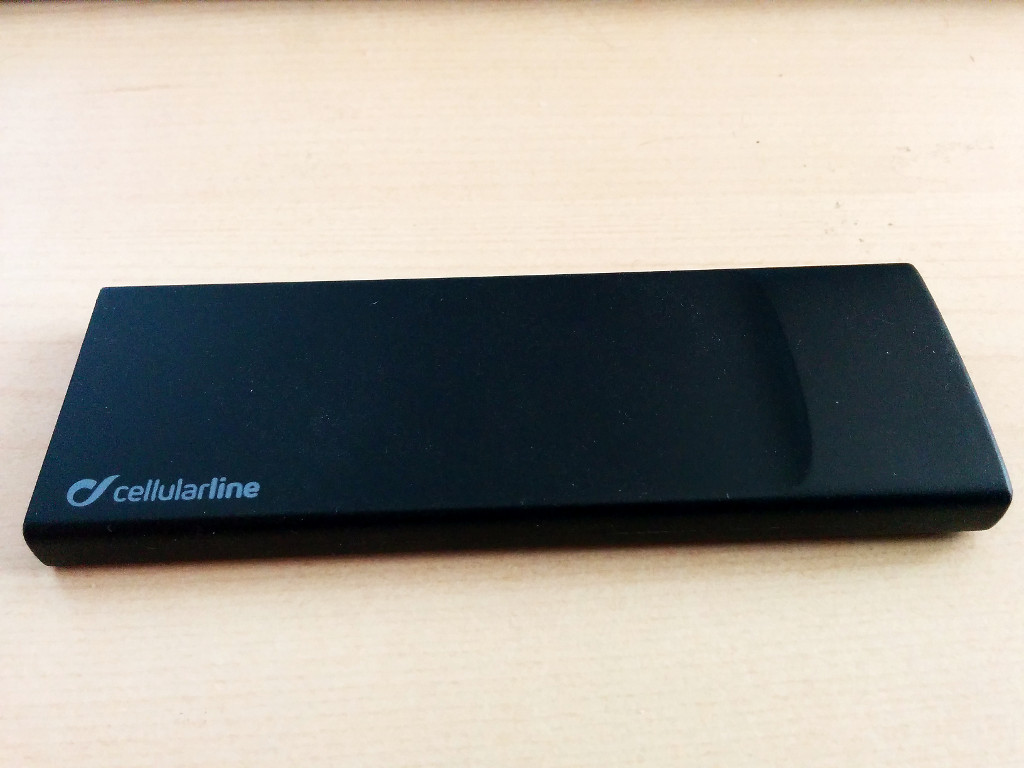
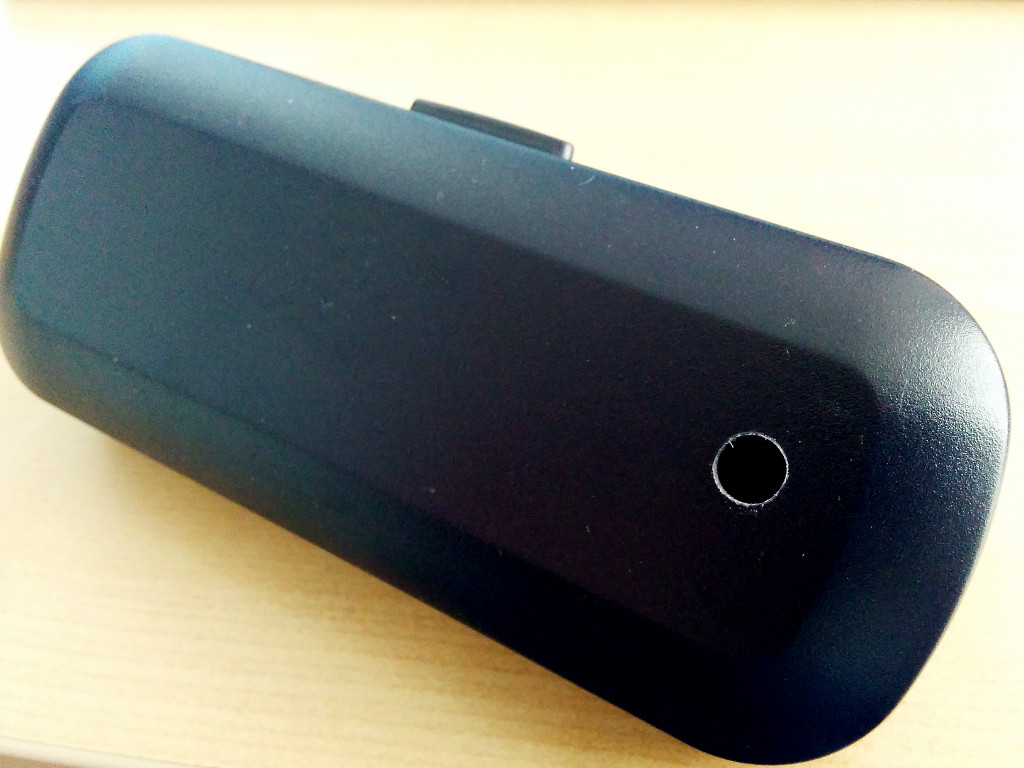
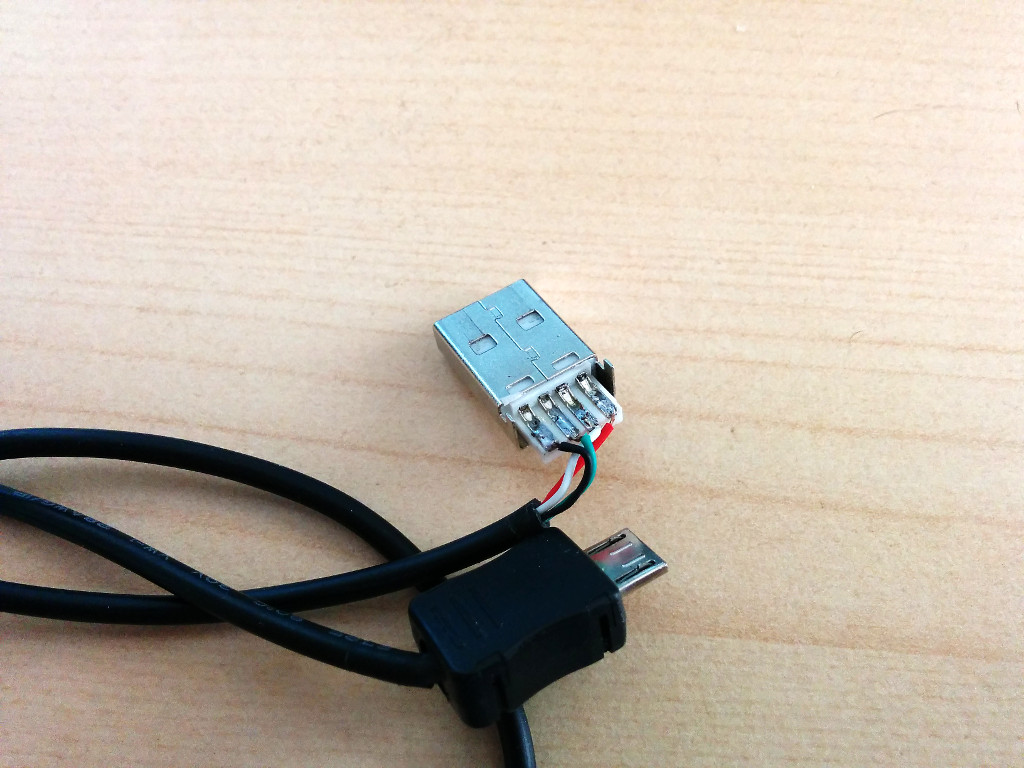
I drilled a 7mm hole for the camera lens — it fits snugly, no glue needed. Some fettling was required on the USB cable connectors (too long for the box).
J'ai percé un trou de 7 mm pour l'objectif — il tient parfaitement sans colle. Quelques ajustements des connecteurs USB s'imposaient (trop longs pour la boîte).
Software
Logiciel
Script taking a photo every 30 seconds. Since the Pi has no persistent clock, a counter in a file avoids filename clashes after restarts:
Script prenant une photo toutes les 30 secondes. Le Pi n'ayant pas d'horloge persistante, un compteur dans un fichier évite les conflits de noms après les redémarrages :
#!/bin/bash
INTERVAL=30
WIDTH=3280
HEIGHT=2464
QUALITY=85
DEST=/home/cedric/webcam
PREFIX=img
COUNT=$(cat count.dat)
mkdir -p $DEST
while :
do
  OUTFILE=$(printf "$DEST/$PREFIX%05d-$COUNT.jpg")
  raspistill -n -w $WIDTH -h $HEIGHT -q $QUALITY -th none -t 250 -o $OUTFILE
  COUNT=$(($COUNT + 1))
  echo $COUNT > count.dat
  sleep $INTERVAL
done
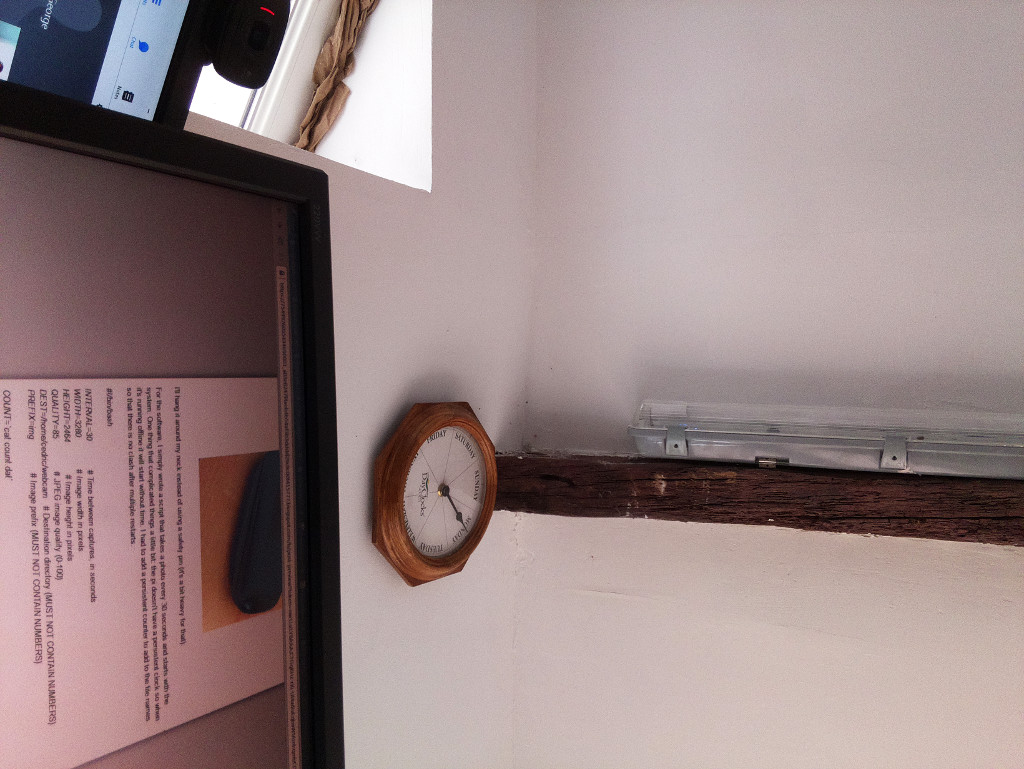
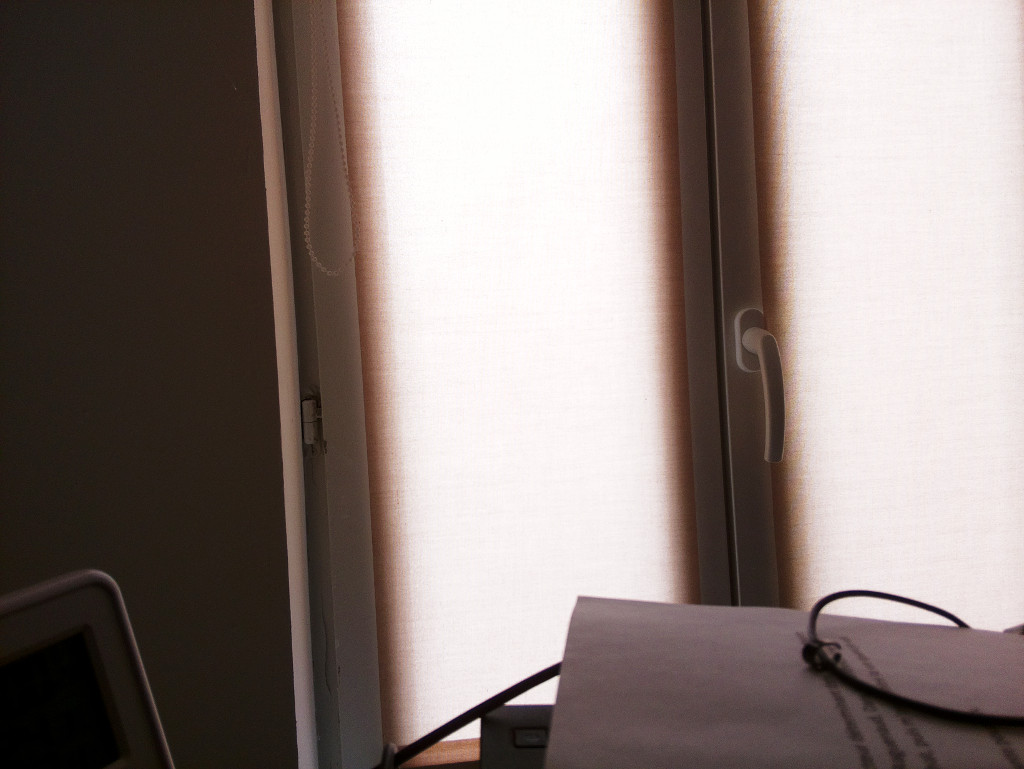
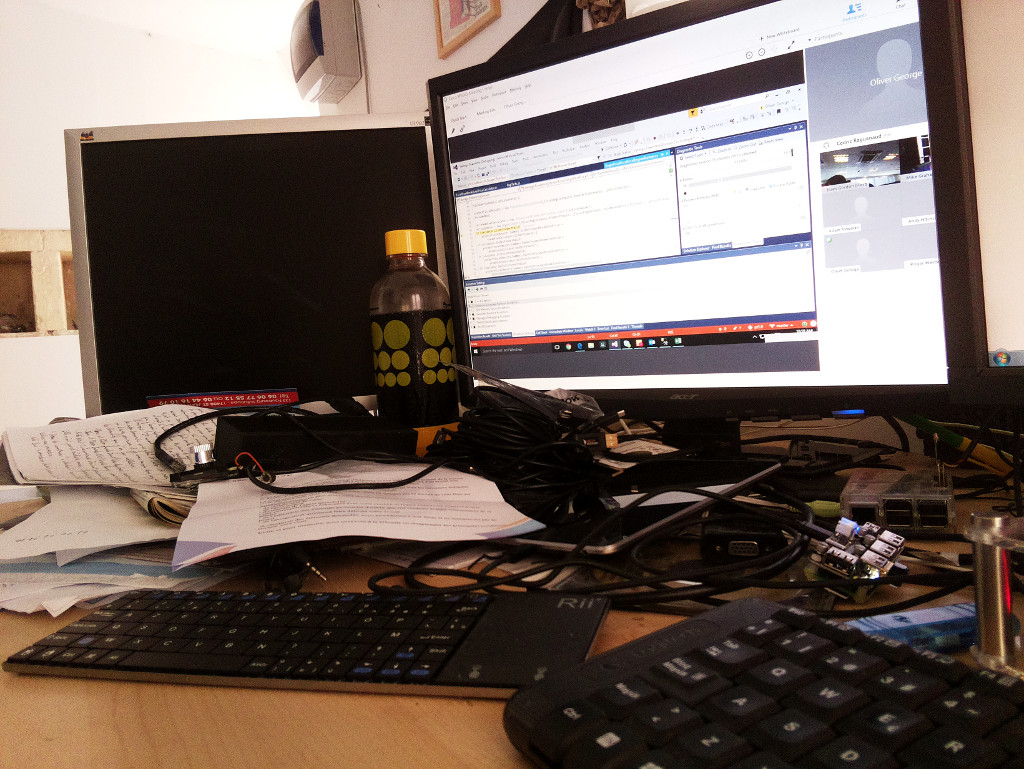
Test photos:
Photos tests :
Known issues:
Problèmes connus :
- Shutdown can corrupt the SD card. A physical shutdown button would help.
- No indication when the battery is flat. An activity LED on the case edge would solve this.
- Battery is a bit large. A smaller 3.7V drone battery would help.
- Un arrêt brutal peut corrompre la carte SD. Un bouton d'arrêt physique aiderait.
- Aucun indicateur de batterie faible. Une LED d'activité sur le bord du boîtier résoudrait ça.
- La batterie est un peu grosse. Une batterie drone 3,7 V plus petite réduirait la taille du boîtier.